
This post details the Excel sample at the bottom of the post using Excel's Power Queries to pull in weather forecasts for a city. There are four steps:
- Determine the latitude and longitude of the city to use in the api.weather.gov for pulling the forecasts.
- Merge the latitude and longitude of the city to the API.
- Pull in the forecast.
- Publish the formatted table of the forecast in the spreadsheet.
The name of the city and state, separated by a comma, is entered into cell B2.

Cell B2 is formatted by selecting cell B2, selecting the Data tab and format as Geography.
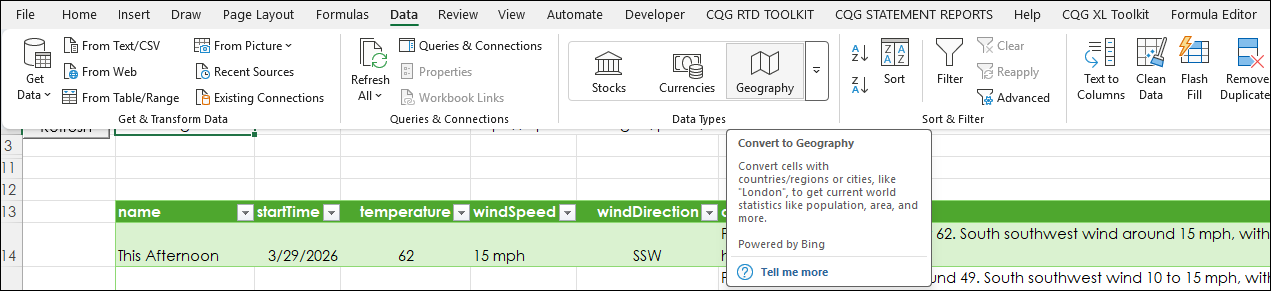
Bing produces a card that when it is opened list details available regarding the city and includes the Latitude and the Longitude. Note: not all cities have the Latitude and the Longitude listed.
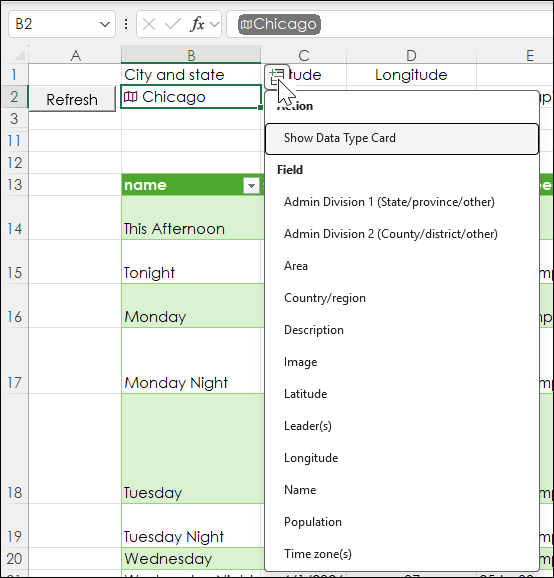
Cells C2 and D2 pull in the Latitude and the Longitude:
=IFERROR(B2.Latitude,"Lat not found.")
=IFERROR(B2.Longitude,"Long not found.")
This data is merged with the API URL in cell E2:
=CONCAT("https://api.weather.gov/points/",C2,",",D2)Three Power Queries are used.
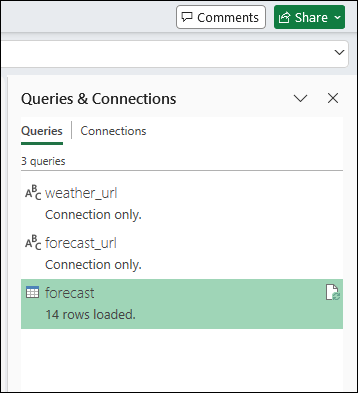
The weather_url uses the formula from cell E2 to connect via the API to the government site.
The forecast_url pulls in the forecast.
The forecast is loaded as a table in the spreadsheet.
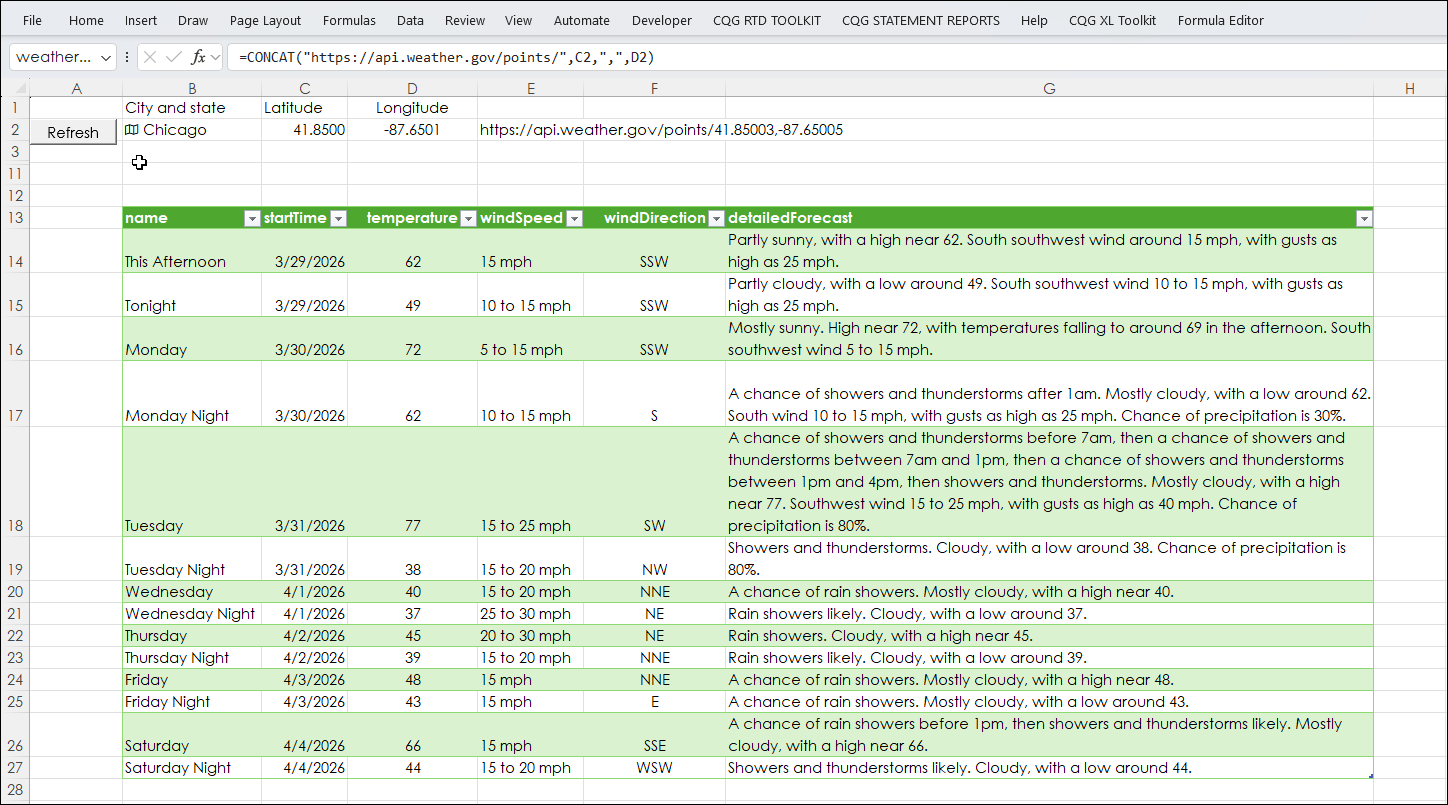
Enter the city and state separated by a comma. Then hit Refresh.
Bing does not have data on all cities. Copy and paste cells C2 and D2 to C3 and D3 to store the formulas. Then manually enter in the Latitude and Longitude from Latitude and Longitude Finder in cells C2 and D2. Then hit Refresh. Copy and paste cells C3 and D3 to C2 and D2 to restore the formulas.
This dashboard does not connect to CQG applications for data.
Requirements: Excel 365 (locally installed, not in the Cloud) or more recent.
This post was assisted by AI and reviewed by Thom Hartle.