
The post CQG Primer: The Ultimate Smoother detailed a study developed by John Ehlers. You can find a detailed description of the Ultimate Smoother on the MESA Software website.
This post details how to bring the study into Excel. The RTD Formula for the Ultimate Smoother is:
=RTD("cqg.rtd",,"StudyData",$L$2, "JEUltSM^","len="&$L$14&"", "Ult_Smoother", $L$4, $A2, $L$6,$L$10,,$L$8,$L$12)The RTD formula is using absolute references from column L.
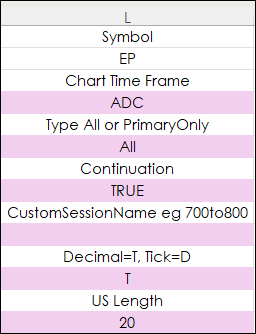
The sample spreadsheet in column L allows the entering of a new Symbol, Time Interval, Custom Session, and the parameter for the study can be changed.
The sample Excel spreadsheet uses the above RTD formulas in column H.
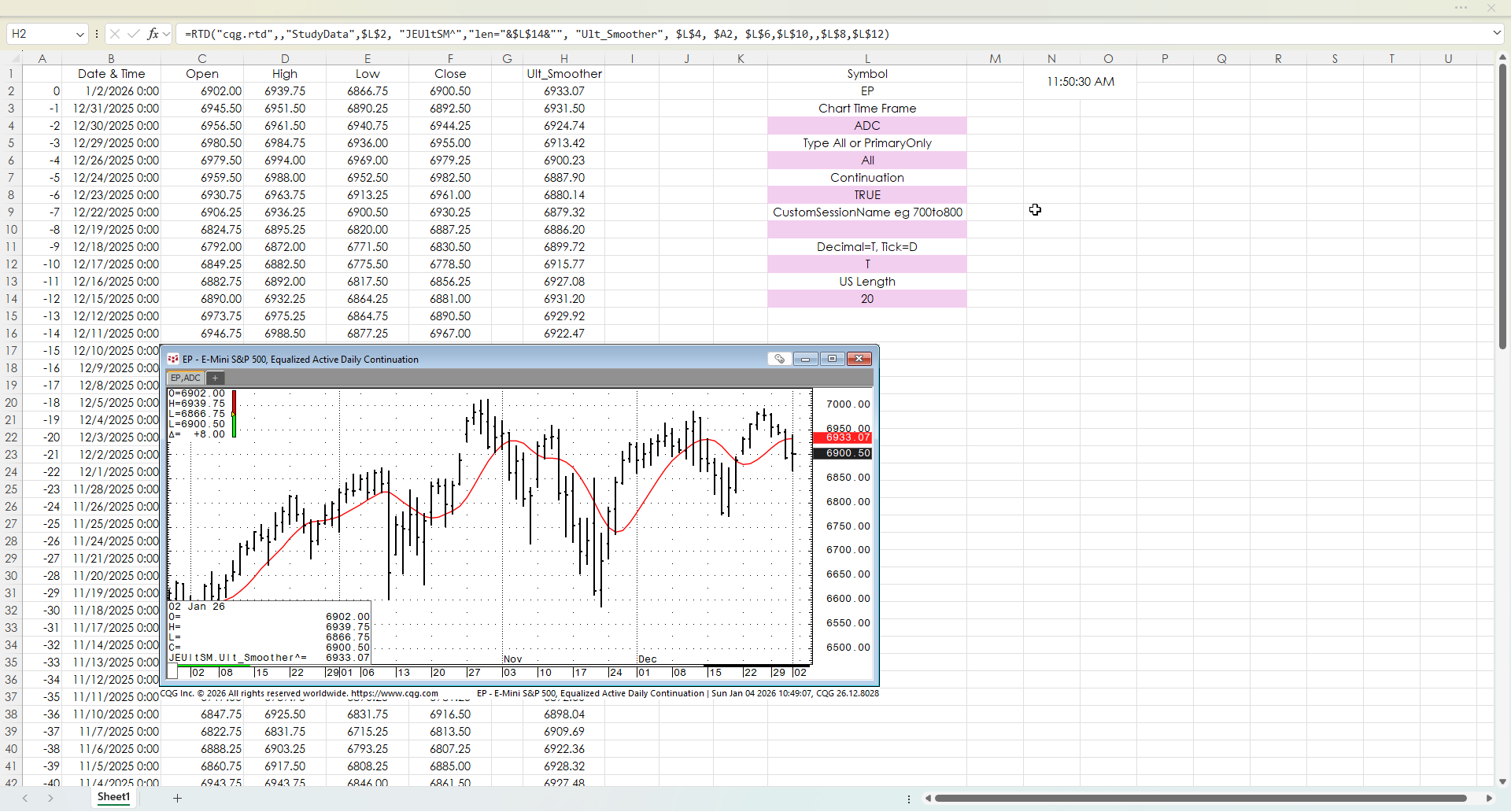
The Sample Spreadsheet requires the CQG PAC is installed which installs a page and the Ultimate Smoother custom study.
Requires CQG Integrated Client or CQG QTrader, and Excel 365 or more recent locally installed, not in the cloud.