
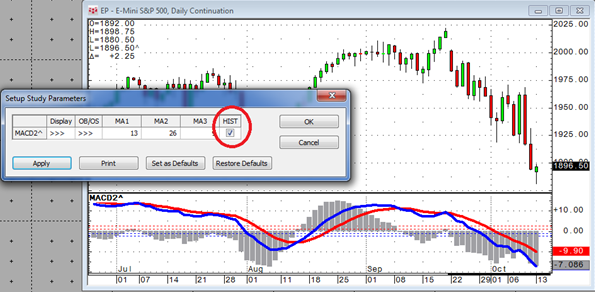
CQG's Formula Builder Toolbox gives you the ability to use parameters (variables) inside your CQG code in order to control studies, conditions, and trade systems externally without the need to… more
Coding
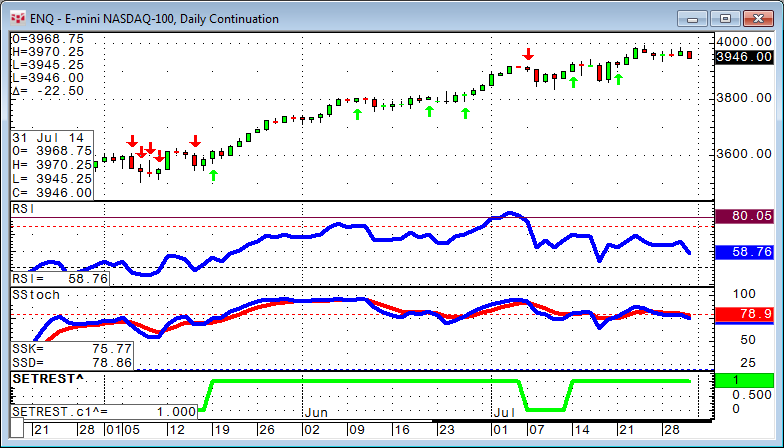
In this article we will look into different ways to use an event to set up a trading opportunity. We will review the differences between BarsSince, Happenedwithin, and Set/Reset.
… more
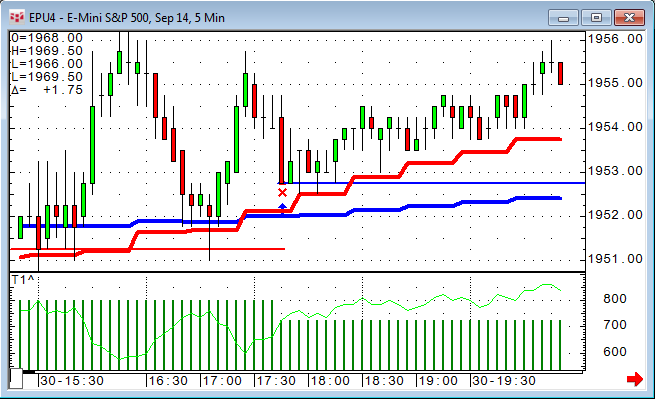
After we looked into some time frame considerations in my last article, the next logical question is to ask if CQG can "optimize time." CQG Trade System Optimizer (TSO) does not allow us to… more
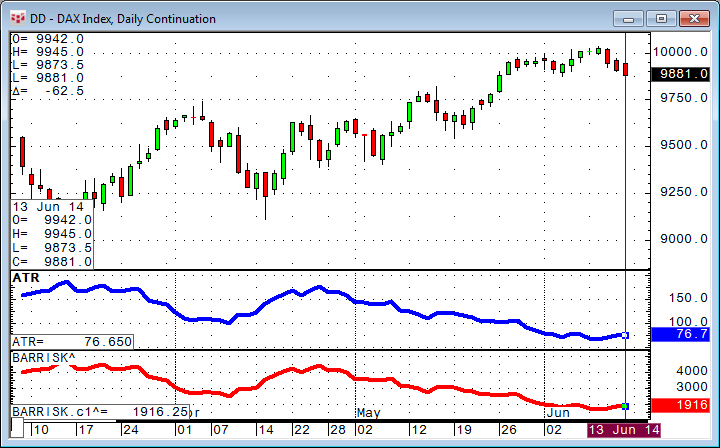
What is the right time frame for your trading?
Any data we analyze is more representative if we have a bigger number of samples. Asking ten people how the next elections will turn out will… more
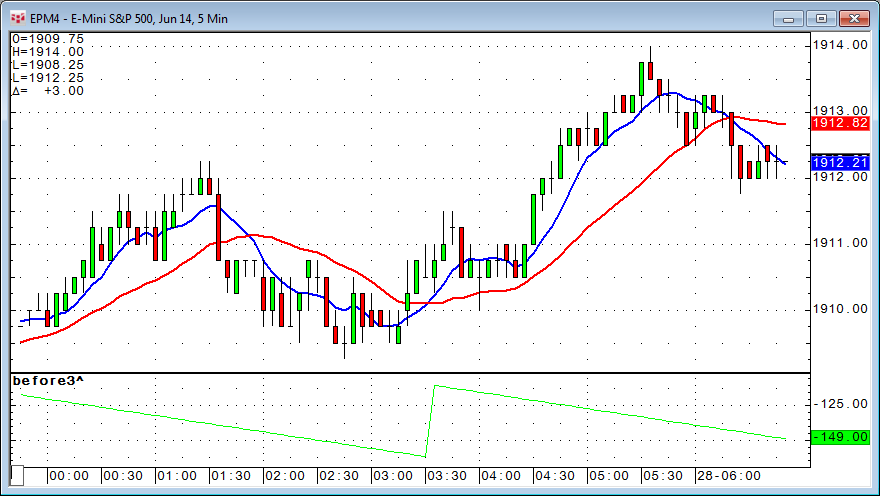
One of my first backtesting tips featured a piece of code to limit a trading system only to one trade per day.
My colleague Doug came up with a smarter way to do this and even added the… more
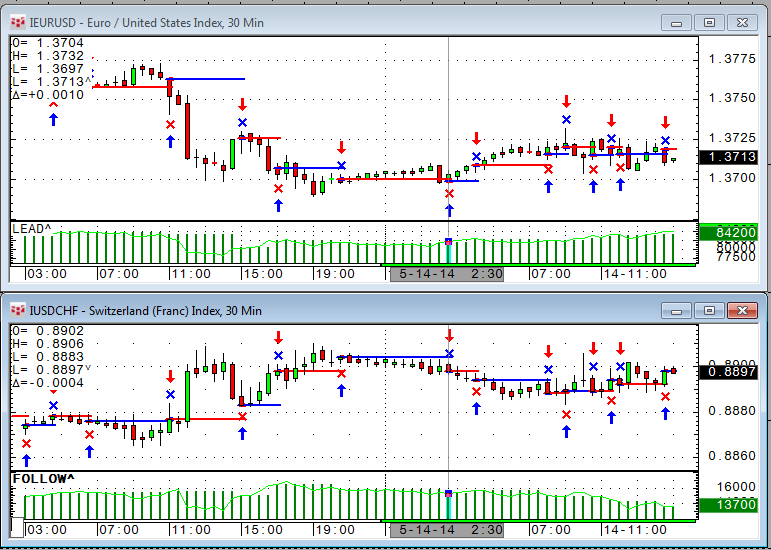
One of the questions we received recently was if it is possible to trigger a trade in a certain market based on another trading system trading a different market. The answer is yes. Here is how to… more
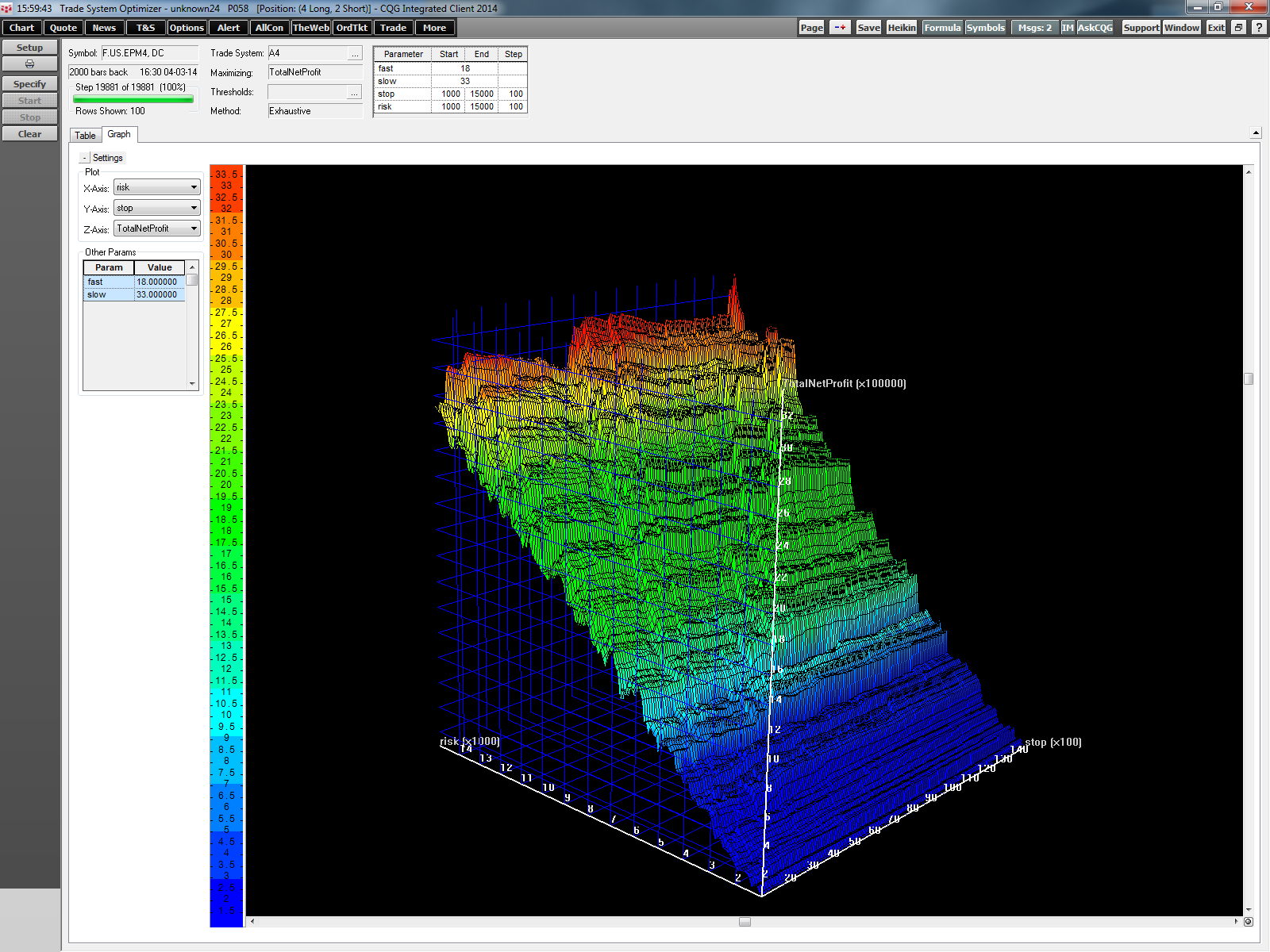
In my previous article, Backtesting Tip: Parameters inside CQG Code, I discussed the different parameter types and how to use them. This is important for all backtesting users because only values… more
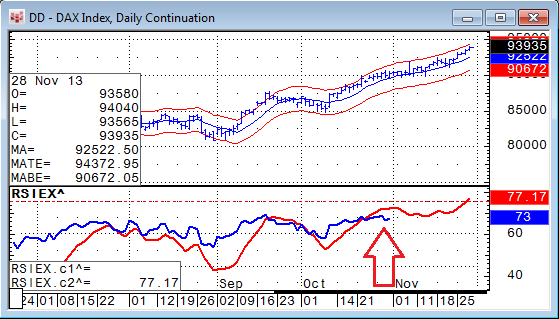
Occasionally we receive requests from traders asking how to protect their own formulas from being viewed and modified by someone else. Here is a short guide detailing the steps.
The quick… more
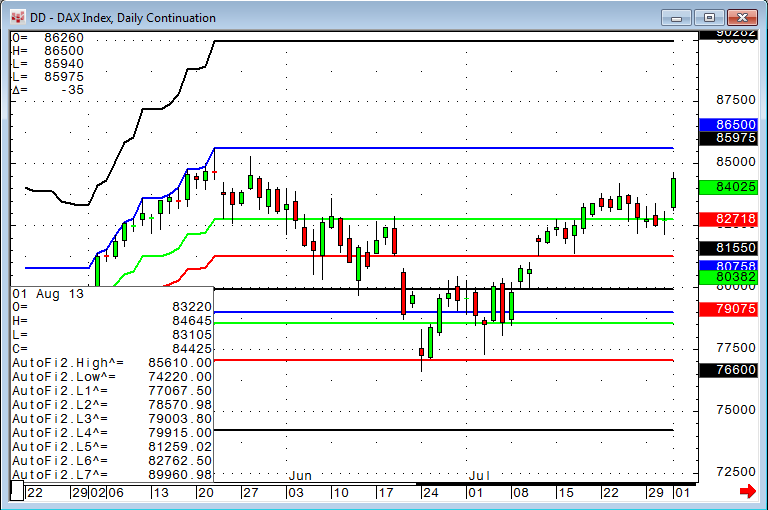
Editor's Note: In this article, Mueller expands on the Auto Fibonacci study concept covered in his August 27 article. Here he shows how to enhance the study by forcing the calculation to use… more
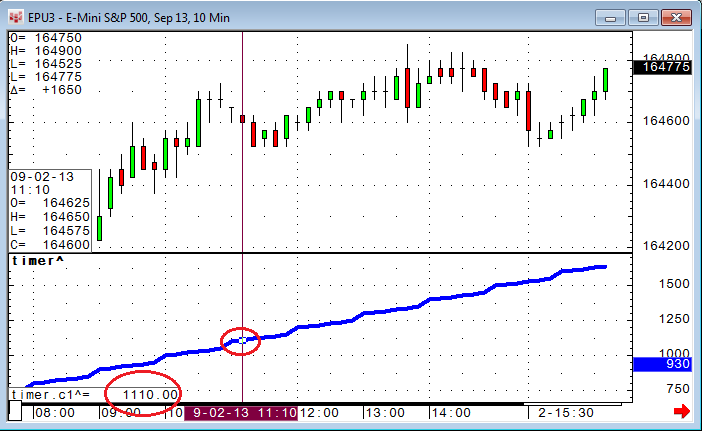
We often receive questions on how to limit trading activity to certain times of day. One little extra line of code can accomplish this quite easily.
In CQG there is a very efficient… more