
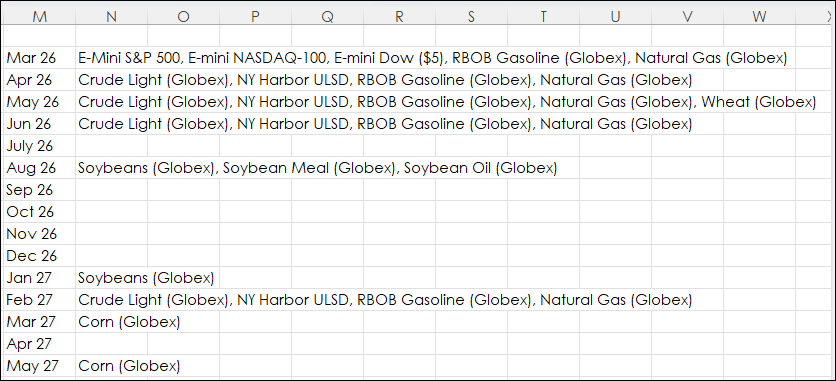
This post details using Excel's REDUCE and LAMBDA function to extract particular data from an Excel dashboard tracking many different markets. For example, the image below displays market data for… more
Workspaces
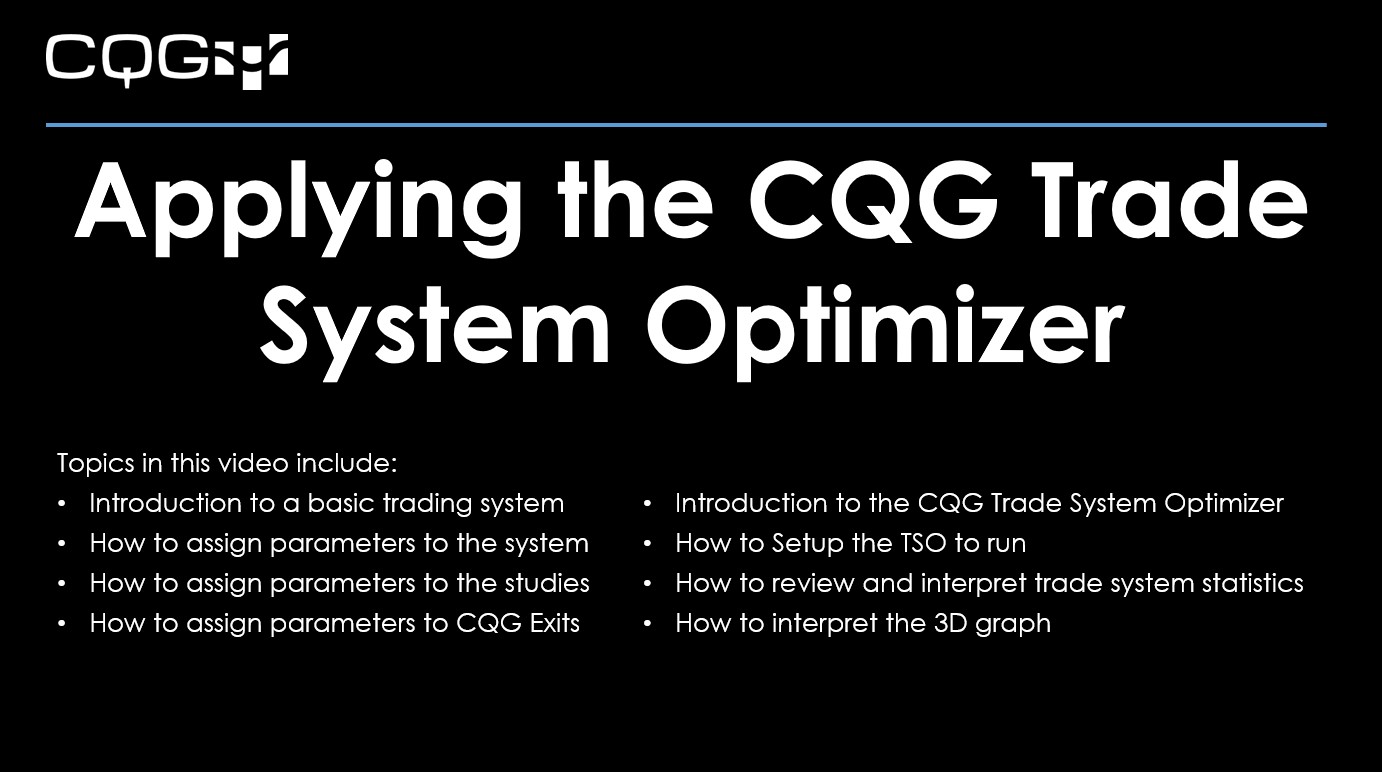
This video, presented by CQG Product Specialist Helmut Mueller, walks you through applying the CQG Trade System Optimizer (TSO) to a basic system programmed in CQG IC. This video is a follow up to… more
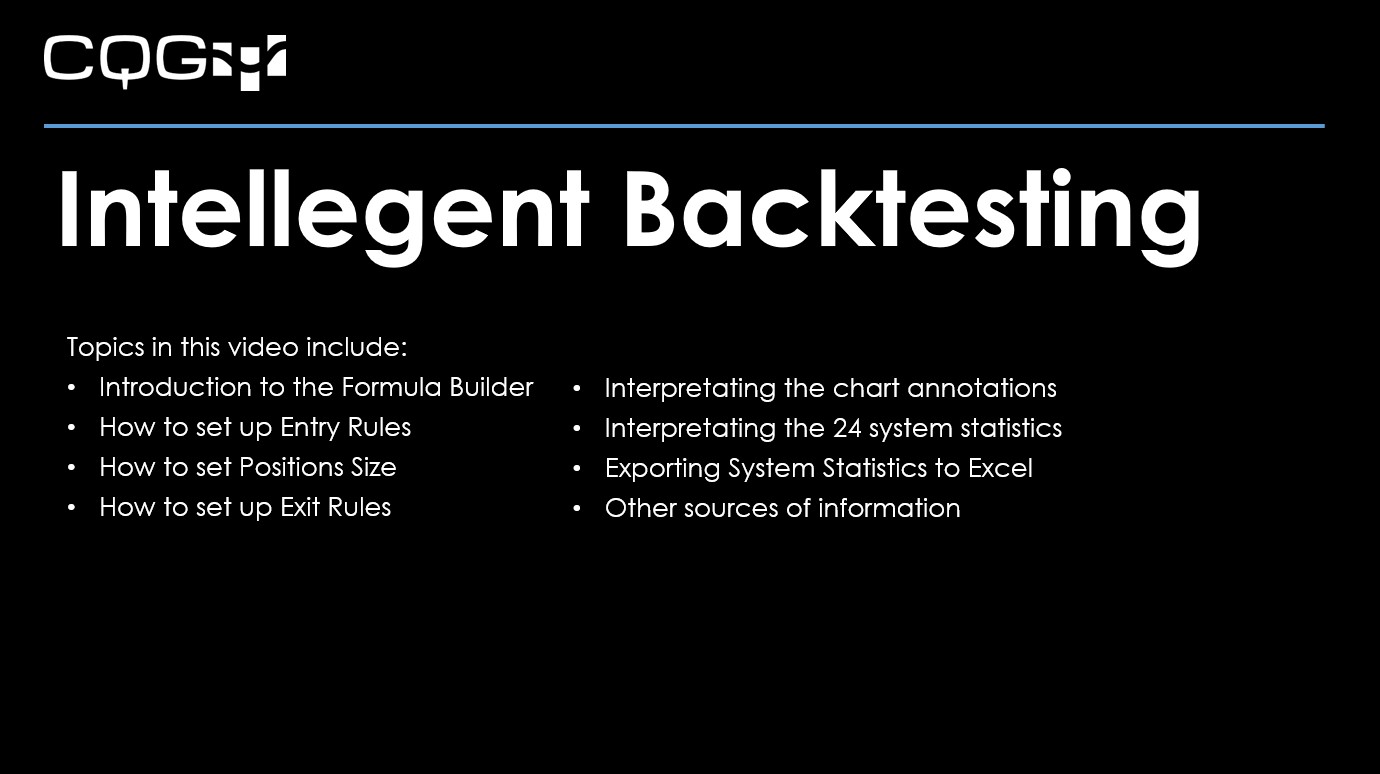
This video walks you through the basic steps to building your first trading system in CQG IC.
For best viewing, click "Watch on YouTube" and then full screen.
Topics in this video… more
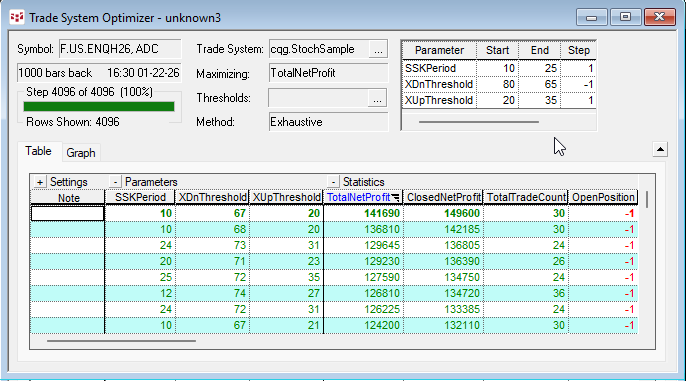
The CQG Trade System Optimizer (TSO) is a module that offers you a tool for testing different parameters of a trade systems and cataloging the results. All combinations of the parameters are… more
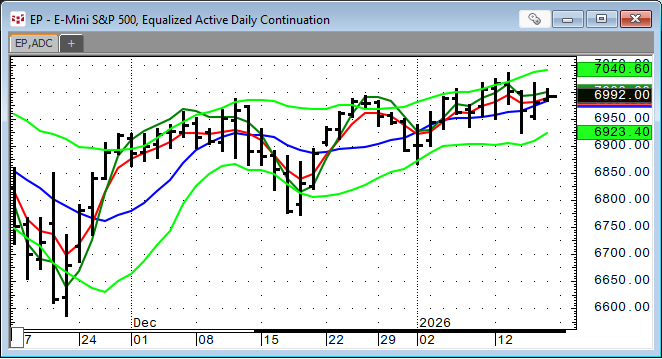
In Mr. Ehlers Book “Cybernetic Analysis for Stocks and Futures” the “Leading Indicator” was introduced. The goal of this study was to smooth the price action while not having the lag by the study… more
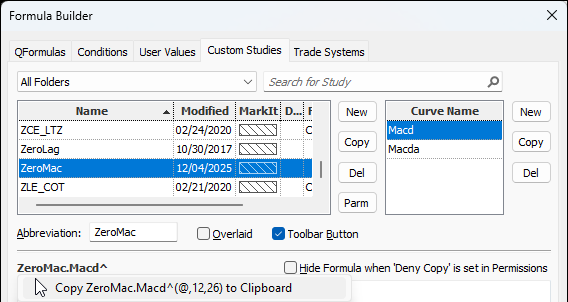
This post details the steps to pulling custom study values into Excel using RTD formulas. First, an overview of RTD formulas and parameters.
When CQG IC or QTrader are installed, a DLL… more
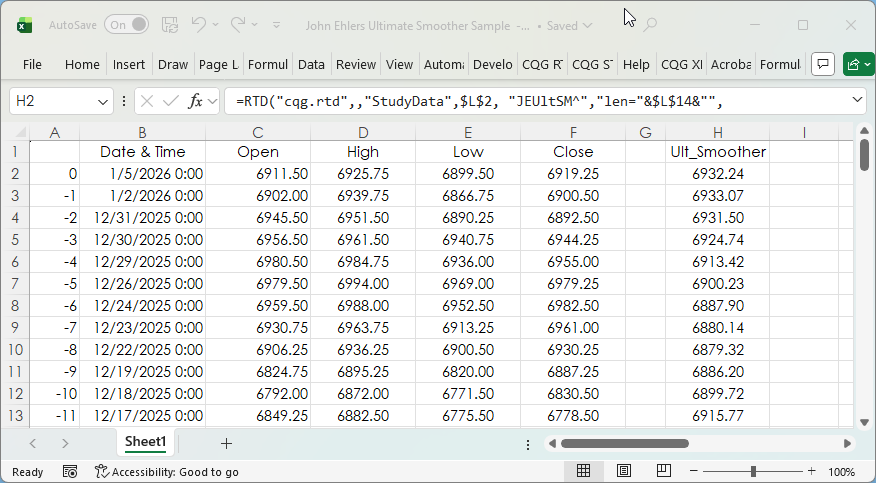
The post CQG Primer: The Ultimate Smoother detailed a study developed by John Ehlers. You can find a detailed description of the Ultimate Smoother on the MESA Software website.
This post… more
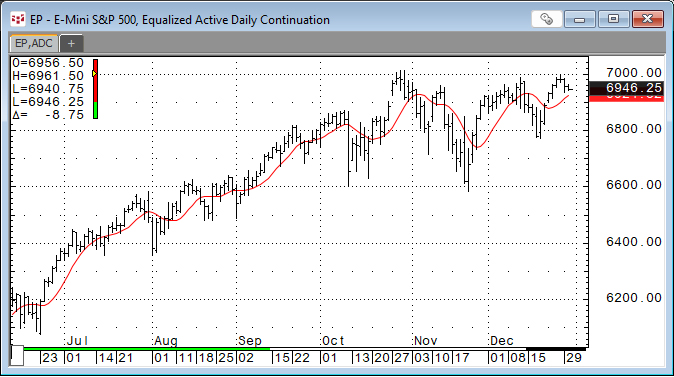
John Ehlers developed the Ultimate Smoother study. https://www.mesasoftware.com/TechnicalArticles.htm The study is a two-pole low-pass digital filter designed to smooth price data while… more
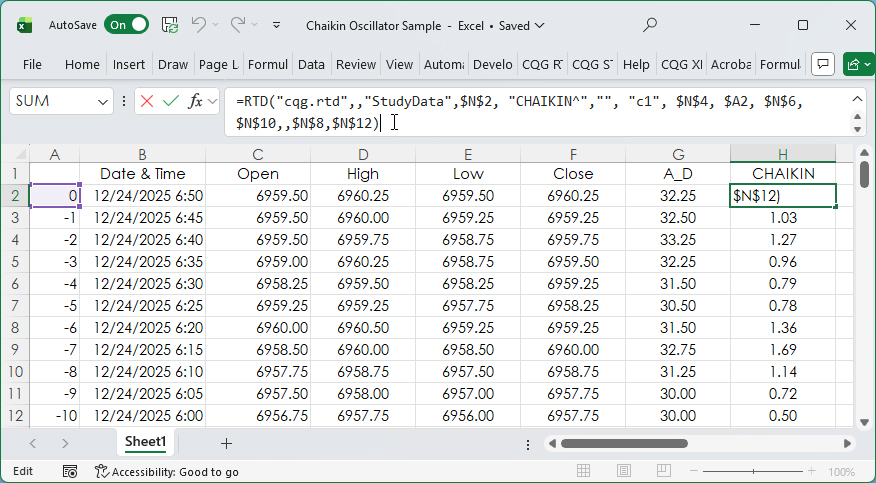
The Accumulation/Distribution Study and the Chaikin Oscillator were introduced in the post titled CQG Primer: The Chaikin Oscillator.
The Chaikin Oscillator is the difference between two… more
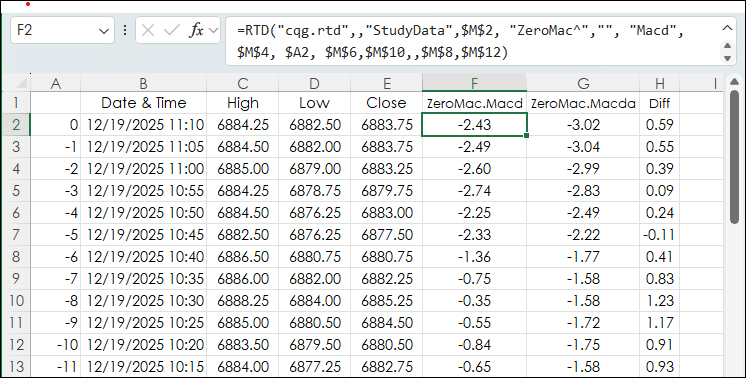
This post, DEMA Based MACD Oscillator, introduced using the Double Exponential Moving Average Study for smoothing the data to create an MACD study that would have less lag than the classic MACD… more