
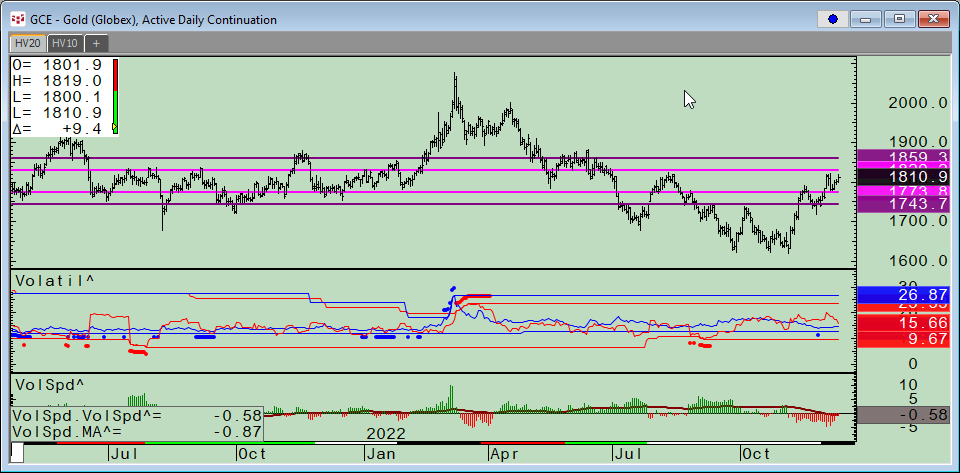
CQG Product Specialist Stan Yabroff designed a CQG page for customers to track and analyze a market’s implied volatility and historical volatility. This post details the features and functionality… more
CQG PAC Files
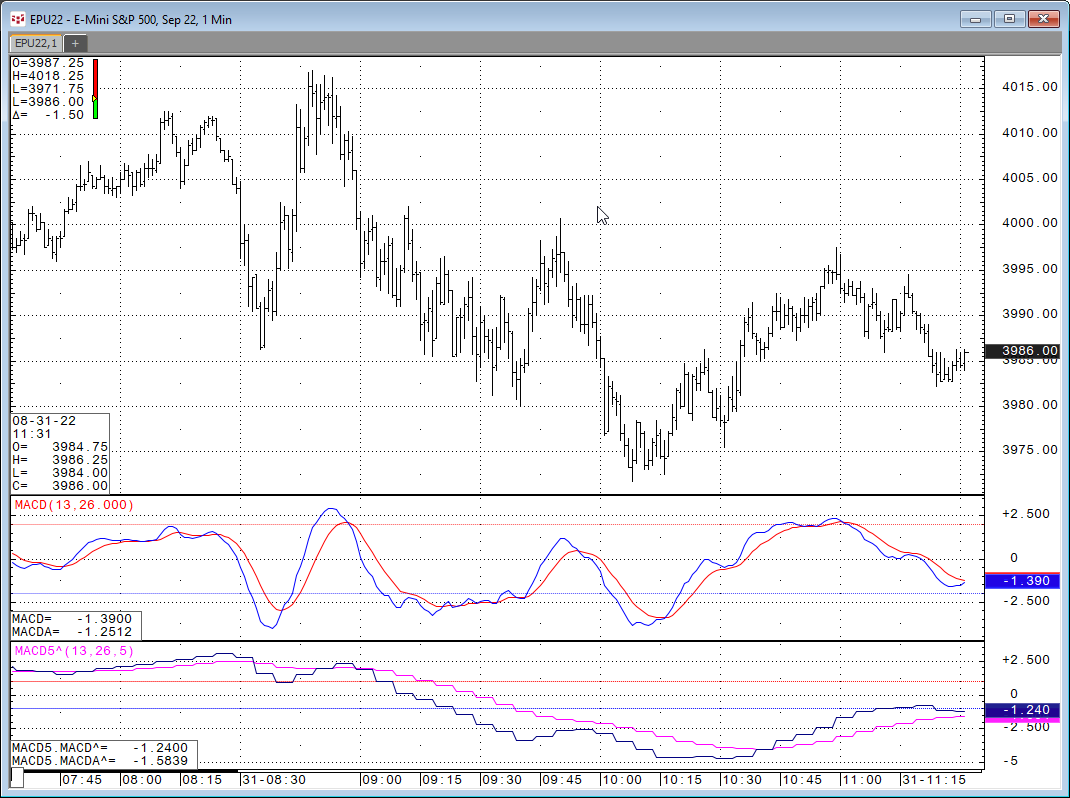
Let's say you want to look at a study on a chart but you want the study to use a different time frame than the time frame for the bars. For example, the MACD Study on a 1-minute chart using 5-… more
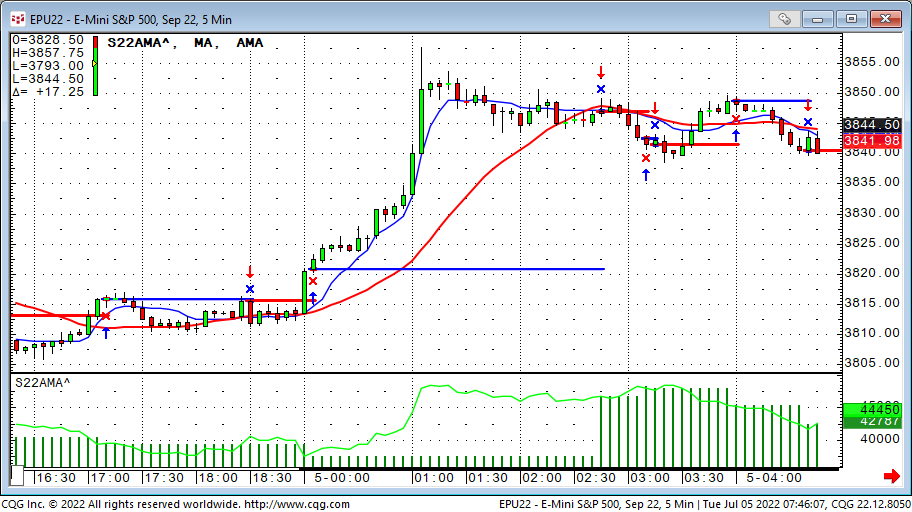
After renewing the Super template in July 2022 I also created a set of trading systems based on very commonly used indicators. The exits are summarized at the end.
1. AMA trading system… more
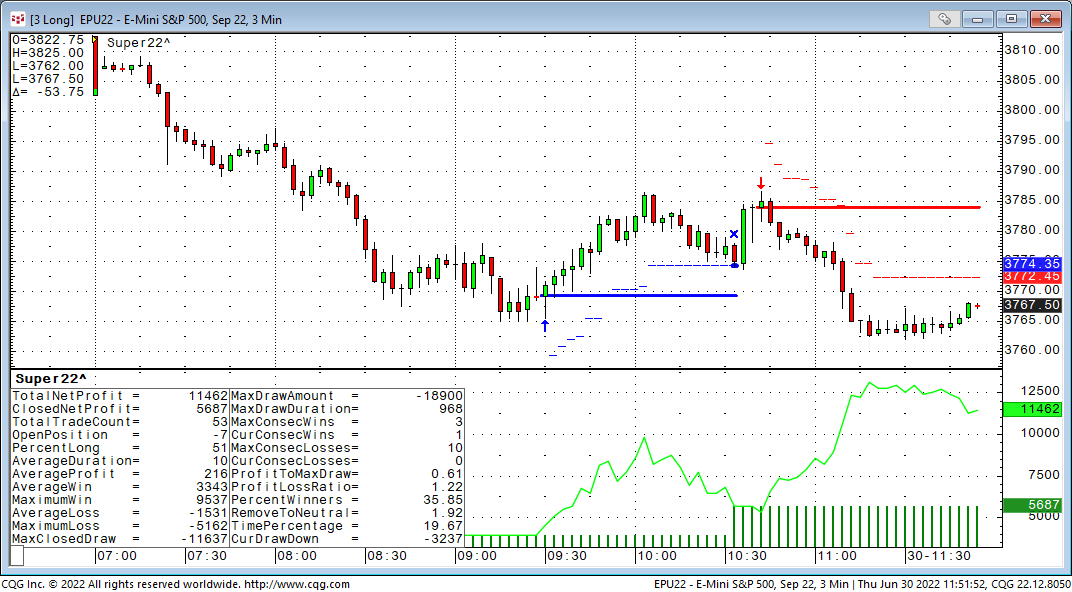
It has been a while since I introduced the Super Template as a shortcut to build trading system inside CQG. In a nutshell, the Super Template is a trading system ready to run, that has a long and… more
It has been a while since I introduced the Super Template as a shortcut to build trading system inside CQG. In a nutshell, the Super Template is a trading system ready to run, that has a long and… more
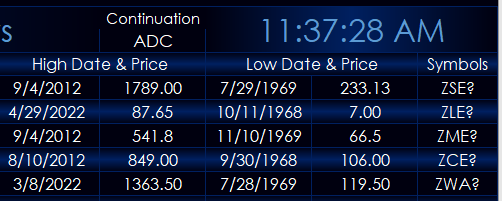
This post details a custom CQG study for pulling a market’s all time high price and date and the market’s all time low price and date.
The custom study was built by CQG’s Product Specialist… more
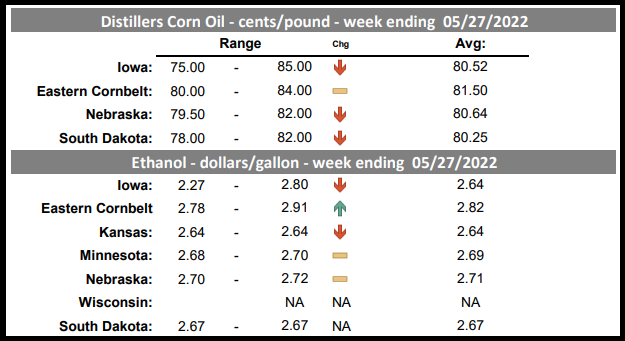
The CQG Data Quality Team has added the USDA Daily Ethanol Report found under USDA in the CQG Symbol Finder. Thirty-four new symbols are available. At the bottom of the post is a CQG PAC that… more
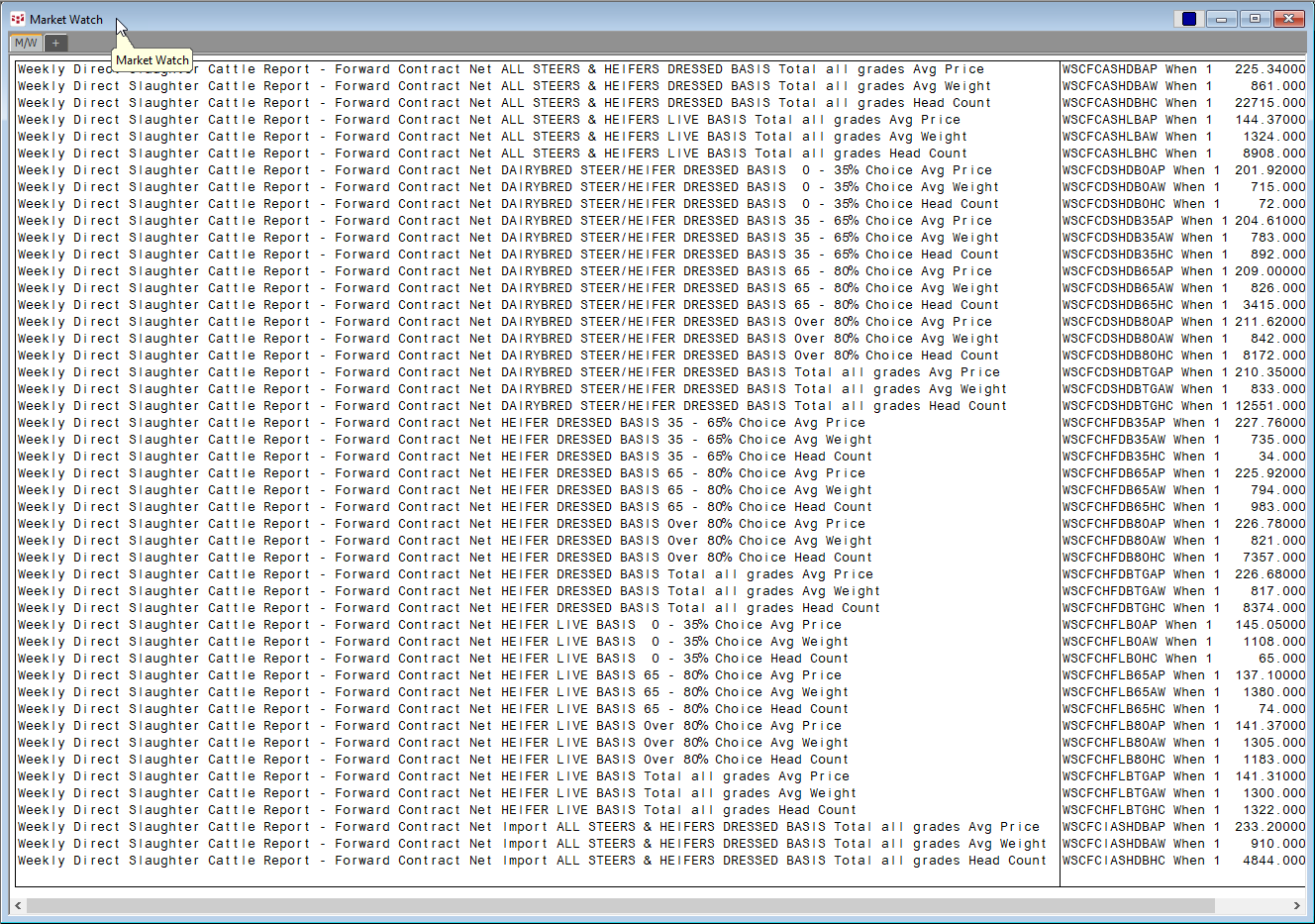
The CQG Data Quality Team has added over 1,000 USDA Cattle Market reports. The symbols are found under the USDA-WASDE group in the CQG Symbol Finder when searching for Cattle.
In… more
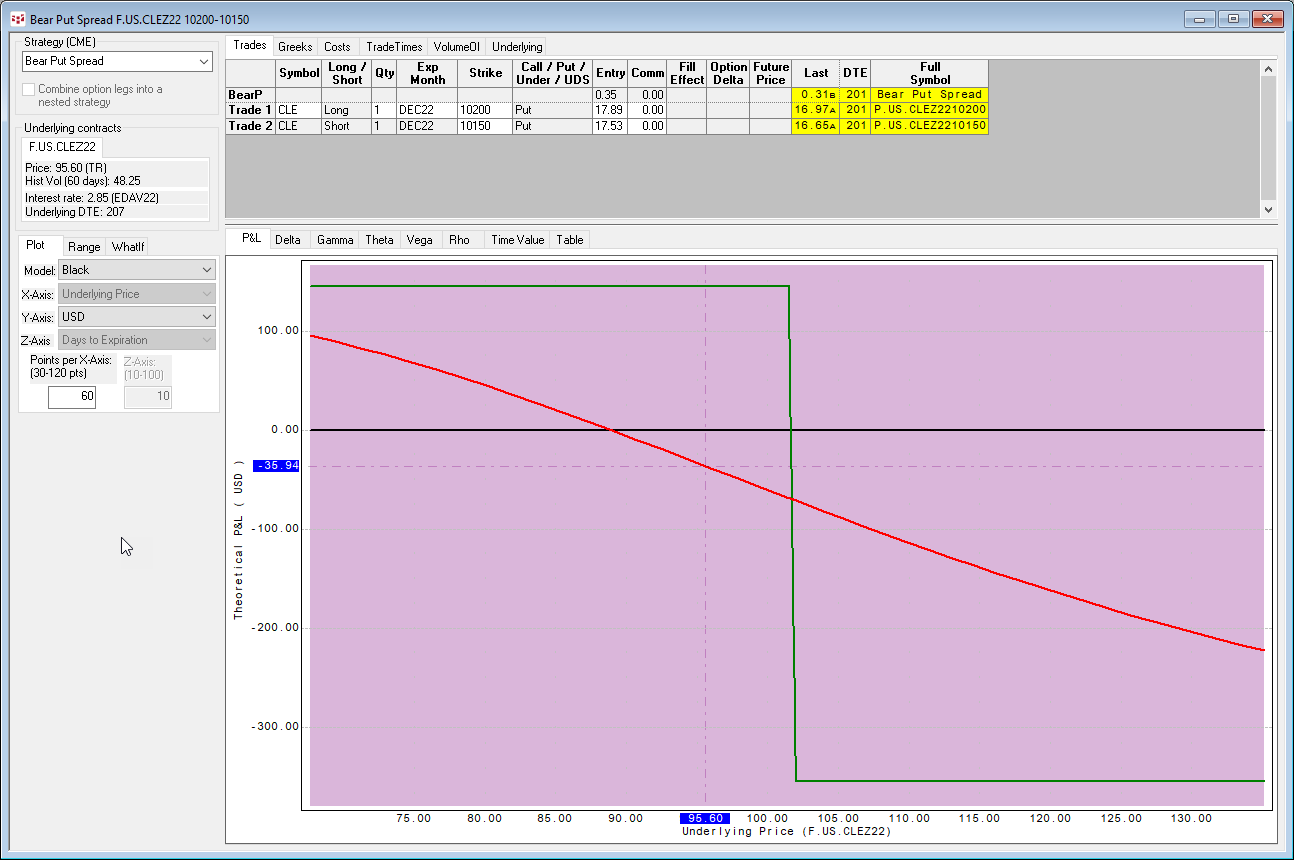
The UDS functionality in CQG Version 2022 has been significantly updated with many more strategies, as well as the available strategies are now grouped by exchanges. This post introduces UDS… more
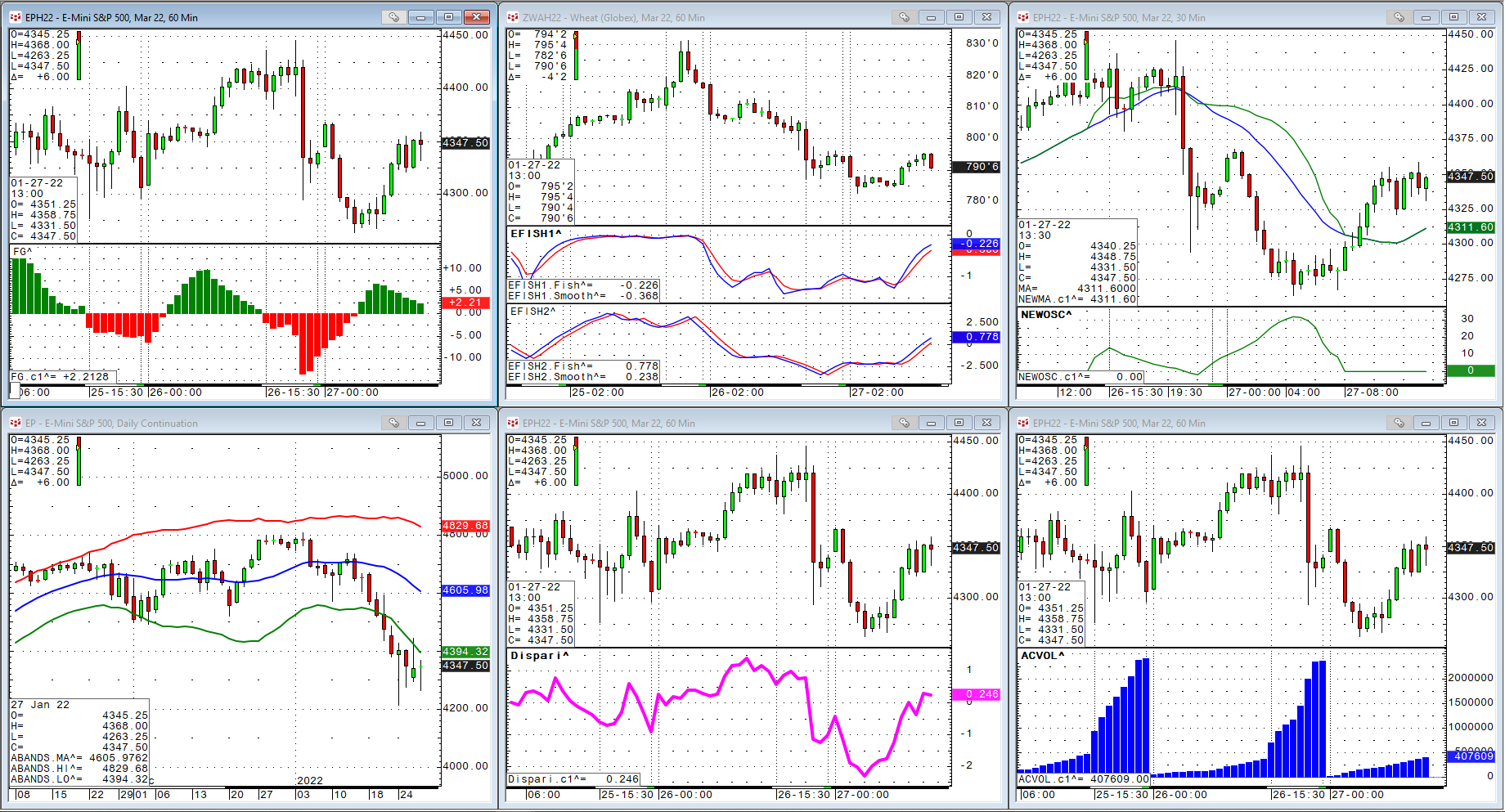
As some kind of review for the last year, I would like to present a few indicators that were coded partly as customer requests or my own research. We had something similar a few years ago: https… more